
-
- Products
- Indoor Household Cords
- Appliance Cords
- General Purpose Short-Length Cords
- General Purpose Extension Cords
- Landscape & Decorating Cords
- Bright Color Extension Cords
- Oil-Resistant Extension Cords
- Cold-Flex Extension Cords
- VividFlex Power Cords
- EXTREME All-Weather Cords
- Cord Management
- Task Lights
- Adapters & GFCI Devices
- Where to Buy
- About
- Careers
- Glossary
- Catalog


10 Tips for Buying COB Fine Pitch LED Displays?
Buying a fine pitch LED display is rarely a simple specification exercise. A showroom may show bright images, yet the screen must perform under your real lighting, viewing distance, and daily operating schedule. This is where COB fine pitch LED technology deserves careful attention. Its chip-on-board design can improve surface protection, reduce visible pixel structure, and support close-viewing applications. However, performance depends on much more than the display type.
This guide presents ten practical tips for evaluating a COB fine pitch LED display. It considers pixel pitch, brightness, contrast, color consistency, cabinet structure, heat management, and maintenance access. It also examines processing systems, signal compatibility, installation conditions, warranty coverage, and supplier support. A reliable supplier should provide measured specifications, sample footage, calibration details, and a clear testing process. Ask to see the display operating for several hours, not only during a short demonstration.
Small details matter. Look closely at skin tones, dark scenes, text edges, and fast movement. Notice whether cabinet seams remain visible from different angles. Check how technicians replace modules and handle damaged connections. I have found that impressive brightness can sometimes hide uneven calibration or excessive power use. That is worth questioning.
No buying checklist can remove every risk. Room conditions change. Budgets shift. Even experienced buyers may overlook future maintenance costs. Still, careful comparison can prevent expensive surprises and create a more dependable visual system. The right choice should match your audience, content, environment, and long-term operating plans—not merely the lowest quoted price.
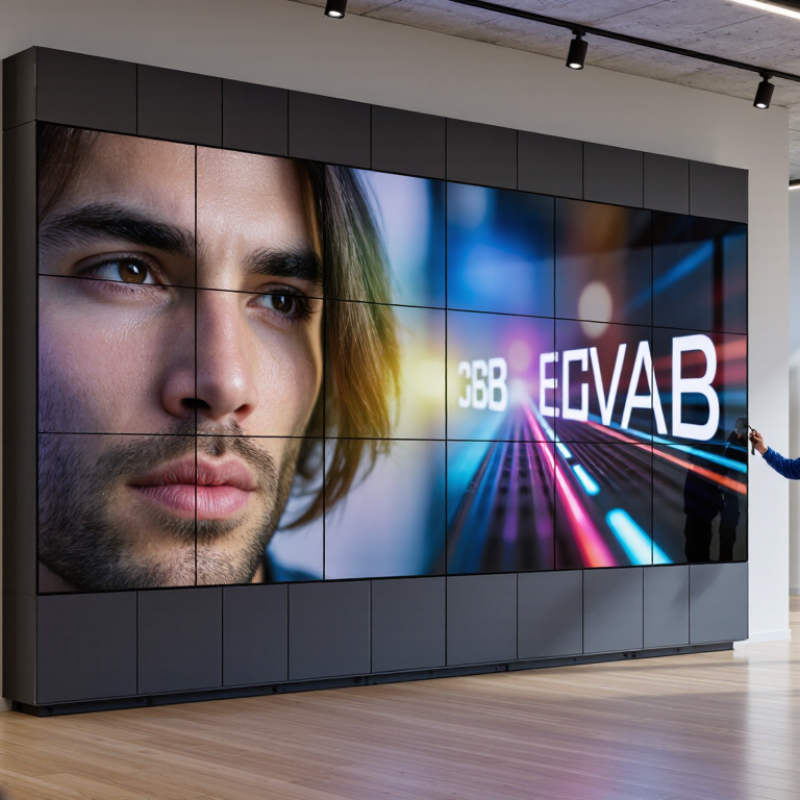
Table of Contents [Hide]
Understanding COB Fine Pitch LED Display Technology
10 Tips for Buying COB Fine Pitch LED Displays
Understanding COB Fine Pitch LED Display Technology
COB, or chip-on-board, mounts LED chips directly onto a circuit substrate. This design reduces exposed solder points and improves surface protection. Fine pitch means tighter pixel spacing, producing sharper images at close viewing distances. Measure the room before choosing a pitch. A smaller pitch is not always better.
Check viewing distance, brightness, contrast, and grayscale performance under real lighting. Test it live. Ask for a close-up image and a dark-scene demonstration. Inspect black uniformity, skin tones, and tiny text. A good display should remain clear without excessive brightness. High refresh rates matter for cameras and fast motion.
Examine the protective coating, cabinet flatness, heat control, and power distribution. These details affect long-term reliability. Confirm front-service access and replacement procedures before purchase. Ask whether calibration data is stored and recoverable. Review operating temperature limits, spare-module availability, warranty coverage, and technical support response times. Request measured power consumption, not only a maximum rating.
An experienced installer should check alignment across several cabinets. Small gaps become visible on large walls. I would also compare samples from different production batches. Early samples can look perfect, while later units may vary slightly. That risk deserves discussion. Keep written records of brightness, color consistency, and acceptance tests. A cheaper quote may hide maintenance time.