
-
- Products
- Indoor Household Cords
- Appliance Cords
- General Purpose Short-Length Cords
- General Purpose Extension Cords
- Landscape & Decorating Cords
- Bright Color Extension Cords
- Oil-Resistant Extension Cords
- Cold-Flex Extension Cords
- VividFlex Power Cords
- EXTREME All-Weather Cords
- Cord Management
- Task Lights
- Adapters & GFCI Devices
- Where to Buy
- About
- Careers
- Glossary
- Catalog


7 Tips to Choose the Best Type C Car Charger?
A reliable Type C Car Charger does more than refill a phone during a commute. It must match your device, vehicle outlet, cable, and daily charging habits. A compact adapter may look powerful on its package, yet deliver disappointing results when heat, shared ports, or weak cables enter the picture. Small details matter. This guide introduces seven practical tips for choosing a charger that performs consistently, not merely one with the largest wattage label.
The evaluation should begin with output standards and real device needs. Check USB-C Power Delivery support, rated wattage, port count, and compatibility with phones, tablets, navigation units, or laptops. A 20W model can suit a smartphone, while newer tablets may need considerably more. More power is not automatically better. The charger should also include overcurrent, overvoltage, overheating, and short-circuit protection. Look for clear specifications and trustworthy certification information, rather than vague claims such as “fastest charging.”
Practical use reveals problems that product photos hide. Test whether the plug remains secure on rough roads, whether the cable bends comfortably, and whether the housing becomes uncomfortably hot after extended use. Fit matters. Drivers should avoid loose adapters, damaged cables, and products that obstruct nearby controls. Reviews from verified buyers and manufacturer support can add useful evidence, but neither source is perfect. Even careful advice needs checking against your vehicle manual and device requirements. These seven tips will help balance charging speed, safety, durability, and price, while acknowledging that the ideal choice depends on your actual setup.
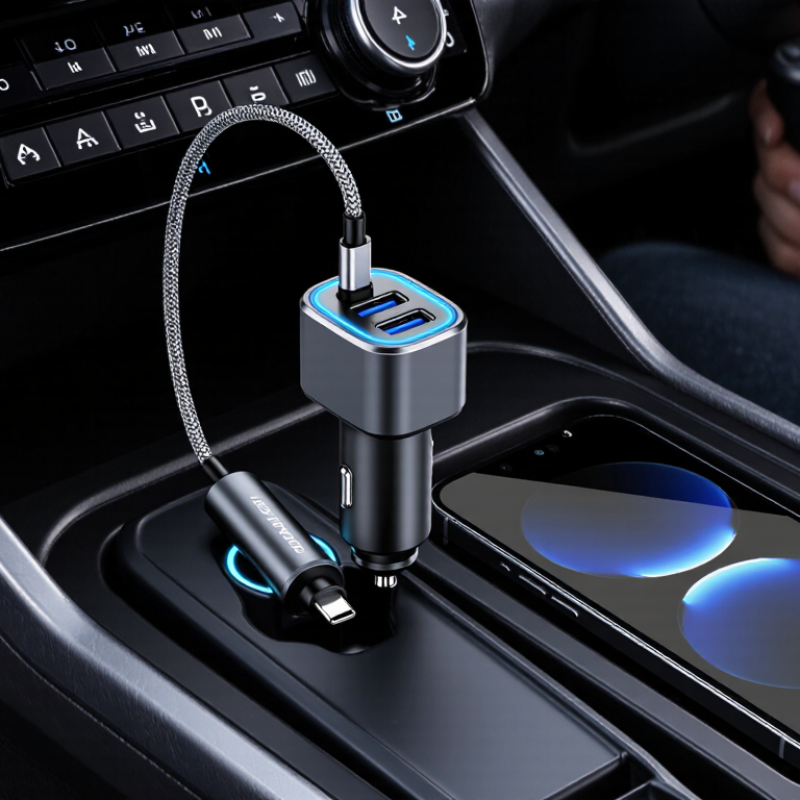
Table of Contents [Hide]
Understand USB-C Charging Standards and Power Requirements
Tip 1: Check whether it supports USB Power Delivery, or USB PD. The USB Implementers Forum specifies up to 240 watts for USB PD 3.1, but most cars provide far less.
Tip 2: Match the charger’s output with your device. A phone may need 18–30 watts, while a tablet or laptop can require 45 watts or more.
Tip 3: Read the charging profile, such as 5V, 9V, 12V, or 20V. Voltage compatibility matters.
Tip 4: Inspect the vehicle socket rating. A 65-watt charger cannot deliver 65 watts through a 12-volt outlet rated for 10 amps.
Tip 5: Choose a certified cable with clearly stated current support. The USB-IF cable specifications distinguish charging capabilities, and a cheap cable may limit performance.
Tip 6: Prefer protection against overcurrent, overheating, and short circuits. Safety is not decorative.
Tip 7: Compare measured output, not the largest number printed on the package. Independent testing reports from consumer laboratories often find differences between advertised and sustained power. I once selected a high-output model that became noticeably hot during navigation and charging. The label looked impressive, but the real-world result was weaker. A small display showing voltage and current can expose that mismatch during daily driving.